
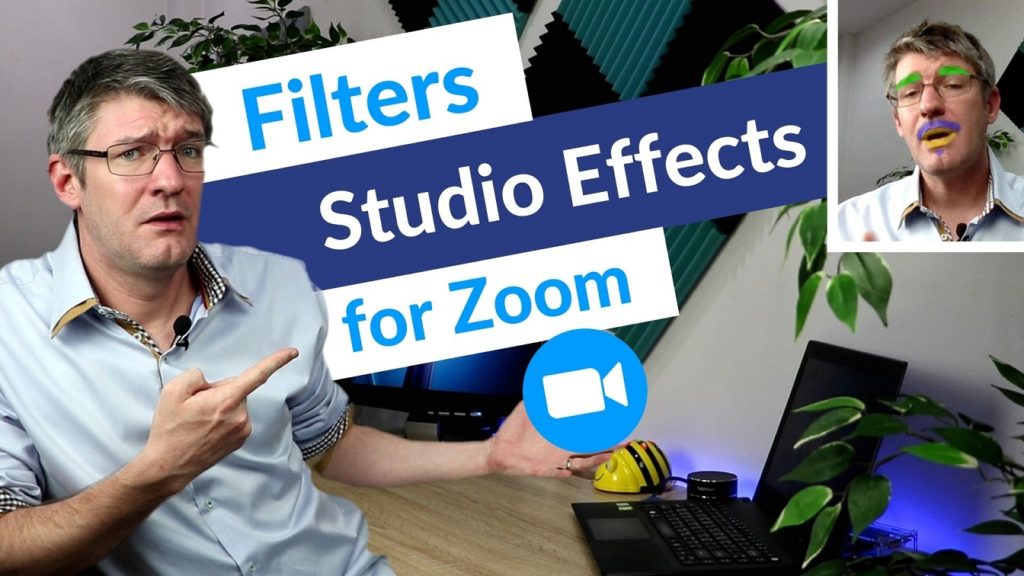
Half your work during an online lesson is keeping your students engaged and making sure they want to be there! Adding fun activities and quirky little effects into your online presentation can make a huge difference and this week I’ve been playing around with the update to Filters and studio effects for the Zoom client.
What are the filters and effects, well just as it says in the title, its a live fiter(Similar to those on Instagram) that changed the way your video feed looks.
But the most fun can be had with the studio effects, see these as Snapchat and Instagram effects, added features superimposed onto your own face. We’re talking highlighted eyebrows, beards and mustaches. Zoom does differentiate itself from the others by placing realism first and I can see these features being used to ‘touch up’ an image or just fix that straight out of bed look!
If you are looking for even more detailed effects why not check out the SnapChat filters and virtual camera! They can add all the ‘over the top effects’ we sometimes want.
For the full overview of how you can get started with Filters and Effects in Zoom watch the video below.