
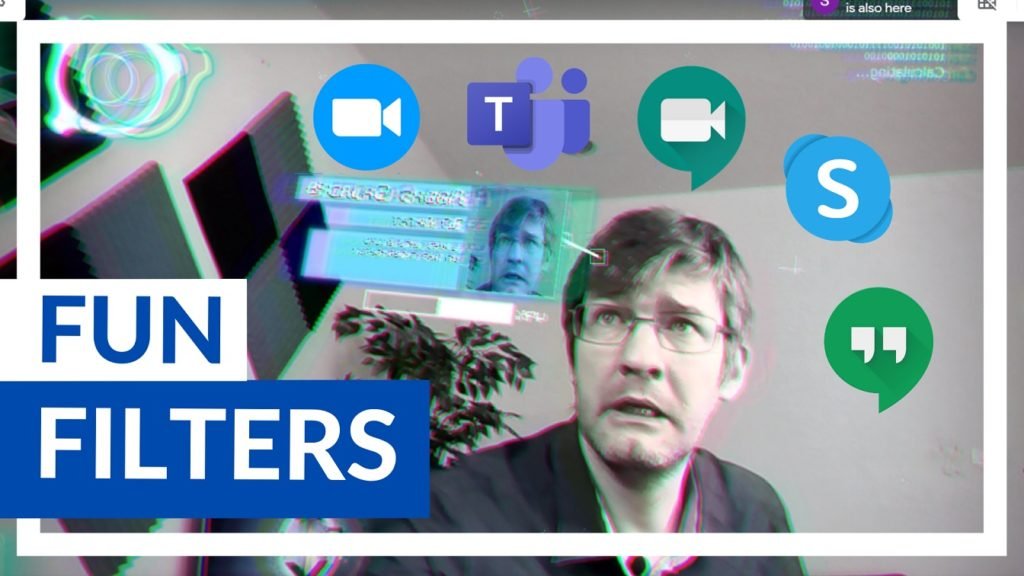
If you are looking to add some fun into your online classes. Filters and special effects like these can leave an impact on students. A fun lesson is always remembered. And when you’re having fun the evidence shows you are far more likely to remember everything discussed during the lesson.
And being online or teaching remotely doesn’t have to mean we no longer try new and exciting things for our students. Here is a way to get special effects and live filters in any Video conferencing software you might be using with your students.
If you’re ready to try it, here’s the video walking you through all the step in order to set up the SnapChat filters and Virtual camera!
More text explanations coming soon… (Website is being updated as we speak)
I’ve been looking for a solution like this for days. Saved my day!