
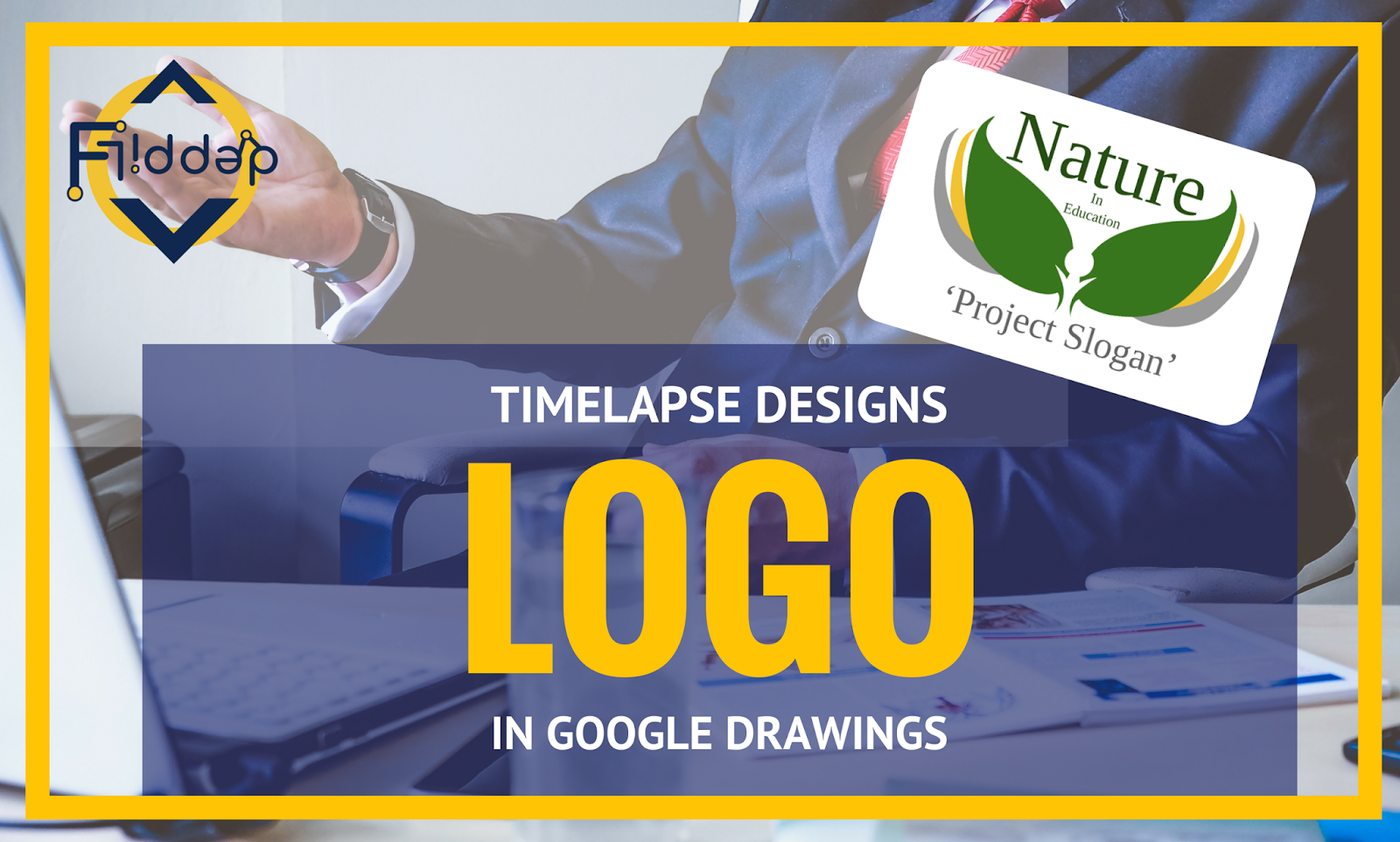
That’s right. You’ve read it correctly. I actually said that its easy to design a professional looking logo for every school project or even for those special events you’re holding.
Don’t believe what I say: Simply have a look at the video below and see just how quick and easy it is using nothing but Google Tools! If you have a Google account (educational or Private) you have access to these same tools! Not only are you creating a good looking logo, you are creating a vector based image, which if you understand what vector images are is easily scaled up for crisp clean and clear printing.
The tools used are:
-Google Drawings, Google Drawings, a little bit of Google Drawings…
and…. oh yes! Some more Google Drawings!
Have fun exploring this Powerful yet UNDERVALUED and UNDERUSED Tool!
As an added bonus I would love for us to show off some of our own Logo’s created in Google Drawings. If you and/or your students are brave and confident enough to do so Simply add your image to the following Padlet*:

*Padlet is an Online ‘wall’ or ‘notice board’ which allows you to easily collaborate and share ideas (oh, and it’s FREE)